📝 Make Your Trip to Japan Comfortable with an eSIM! Complete Guide on How to Choose and Use
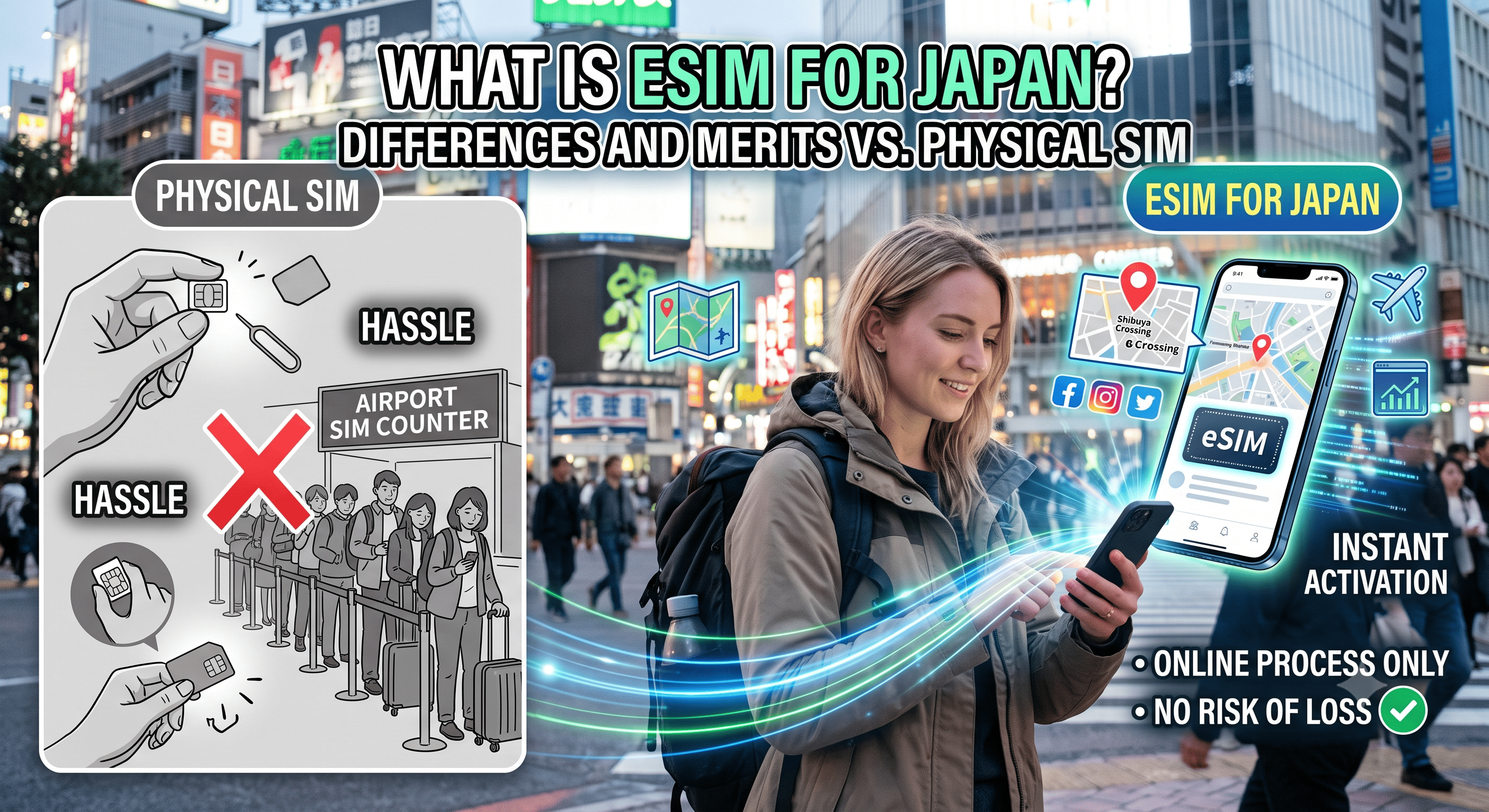
What is a Japan eSIM? Differences from Physical SIMs and Benefits
To ensure smooth use of a Japan eSIM, pre-departure checks are essential. First, make sure your smartphone is an "eSIM-compatible model" and that it is "SIM-unlocked (SIM-free)." Additionally, a stable Wi-Fi environment is required to download the profile. Completing the setup using Wi-Fi at home or the airport before departing for Japan will make switching to local communication much smoother upon arrival.

How to Choose a Japan eSIM Without Fail: Key Points
With many services available, the key to choosing the right Japan eSIM for you is the balance between your "length of stay" and "required data capacity." A plan with a few GBs is suitable for a few days of sightseeing, while high-capacity plans are better for long stays or frequent video streaming. Whether it uses the networks of Japan's major carriers (docomo, SoftBank, au, Rakuten Mobile, etc.) is also an important indicator of coverage area and stability. Please note that prices and plan details vary by season, so check the official website for the latest information.
Specific Steps from Setup to Usage
The procedure for using a Japan eSIM is very simple. First, choose and purchase a plan on an official website like Japan eSIM. After purchasing, scan the QR code you receive through your smartphone's settings to install the communication profile. Once you arrive in Japan, simply switch the "Mobile Data" line to the eSIM in your device settings to complete the connection. If you cannot connect, try turning Airplane Mode on/off and check that the APN is set to ppsim.jp.
Precautions and Support Systems During Use
When using a Japan eSIM, be careful not to delete the installed profile midway. If accidentally deleted, you may be charged a reissue fee or become unable to reconfigure it. Additionally, since setting screens may vary depending on the device or OS version, it is safest to contact the service's support desk if you have any questions. To prevent issues, be sure to read the usage guide and FAQs on the official website in advance.